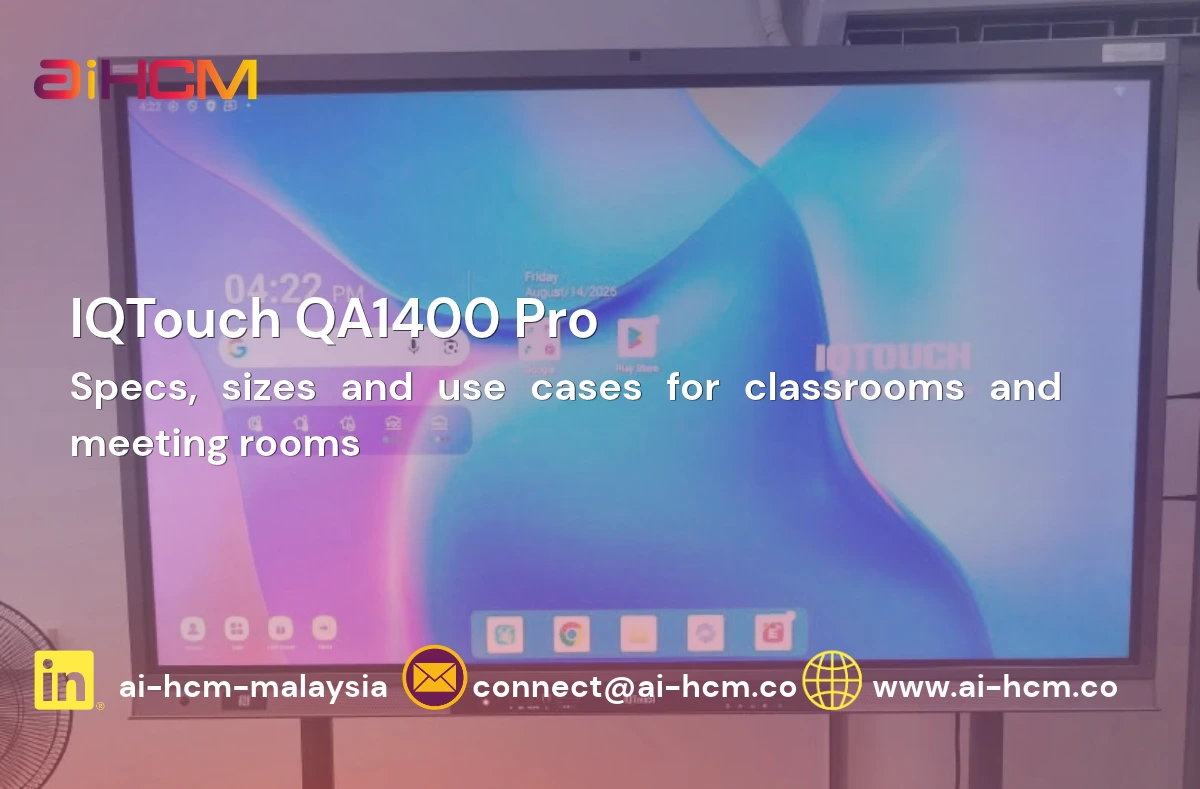
Interactive flat panel spec sheets are full of terms that sound impressive but mean little without context — optical bonding, AG+AF glass, 4K dual camera, 8-microphone array. Vendors list them because they matter, but rarely explain why. This guide translates the spec sheet into plain language, so you can compare panels on substance rather than marketing copy.
Touch Technology: The Foundation
Every interactive flat panel starts with a touch layer that lets users write, annotate, and control content with a finger or a stylus. The better systems support true multi-touch (multiple people writing or gesturing on the panel at once) and palm rejection, so a presenter can rest a hand on the screen while writing without triggering unwanted marks. Pen-based writing that feels natural — low latency, consistent line weight — is one of the easiest ways to tell a well-engineered panel from a budget one, and it’s best judged by trying it in person rather than reading a spec.
Optical Bonding vs Air Bonding
This is the single spec that most affects visual quality and durability, and it’s the one most often skipped over in sales conversations. An air-bonded panel has a small air gap between the touch glass and the display panel underneath; an optically bonded panel fills that gap with an optical adhesive, laminating the layers together.
- Optical bonding reduces internal reflection and glare, producing sharper, more vivid images, especially under bright office or classroom lighting.
- It removes the risk of condensation or dust collecting in the air gap over years of use.
- It makes the panel more resistant to impact, since the layers move as one rather than flexing independently.
- The trade-off is cost — optically bonded panels are more expensive to manufacture, which shows up in the price.
For any panel that will sit in daily use for years, optical bonding is worth the premium. It’s the difference between a screen that still looks sharp in year four and one that’s visibly degraded.
AG + AF Glass: Anti-Glare and Anti-Fingerprint
Anti-glare (AG) coating scatters reflected light so the panel stays readable under fluorescent office lighting or near windows, rather than turning into a mirror. Anti-fingerprint (AF) coating is an oleophobic surface treatment that resists the buildup of smudges from constant touch use — genuinely useful on a panel that gets touched by dozens of hands a day in a shared meeting room or classroom. Neither feature shows up in a photo or a quick demo; both become obvious after a few weeks of real use.
Resolution and Camera: 4K and Dual Camera Systems
4K resolution matters most for detailed content — spreadsheets, CAD drawings, dense presentation slides — where lower resolution makes fine text blurry from a distance. For video conferencing, a built-in 4K AI camera with auto-framing keeps participants in frame as people move or as the group size changes, without someone needing to manually adjust the camera mid-meeting. Dual camera setups — a wide-angle view plus a tracking or zoom view — are increasingly common on higher-end panels specifically to handle larger rooms where a single fixed camera angle isn’t enough.
Microphone Arrays
An 8-microphone array (or similar multi-mic configurations) uses beamforming to pick up voices clearly from anywhere in the room, rather than relying on whoever happens to be closest to a single built-in mic. This matters disproportionately in larger meeting rooms, where a single-microphone panel often leaves remote participants straining to hear anyone seated at the far end of the table.
Dual Operating System: Android and Windows
Most modern interactive flat panels run on a built-in Android system for everyday whiteboard, annotation, and wireless-sharing functions, while also supporting a Windows OPS (Open Pluggable Specification) slot-in module for running full desktop applications directly on the panel — no separate PC required underneath the table. This dual-OS approach lets a panel serve as a lightweight annotation tool for a quick huddle and a full presentation workstation for a formal client meeting, without switching hardware.
BYOD and BYOM: Why They’re Not the Same Thing
BYOD (Bring Your Own Device) refers to wirelessly sharing a screen from a personal laptop, tablet, or phone onto the panel. BYOM (Bring Your Own Meeting) goes a step further — it lets someone join their own video conferencing platform of choice (whichever service their organisation already uses) through the room’s camera, microphone, and speaker system, rather than being locked into one vendor’s conferencing software. For companies with mixed conferencing tools across departments or client relationships, BYOM support is often more valuable in practice than BYOD alone.
A Practical Comparison Checklist
- Ask specifically whether the panel is optically bonded or air-bonded — this single answer says more about long-term quality than most other specs combined.
- Check the camera setup against your typical room size — a single fixed camera is fine for a small huddle room, inadequate for a large boardroom.
- Confirm the microphone array’s stated pickup range against your actual room dimensions, not just the marketing claim.
- Verify Windows OPS slot support if you need to run desktop software directly from the panel.
- Test BYOM compatibility with the specific video conferencing platforms your organisation actually uses.
- See and touch the panel in person if possible — latency, glare, and glass feel are hard to judge from a spec sheet alone.
Choosing With Confidence
The gap between a panel that looks good in a showroom and one that holds up after two years of daily meetings usually comes down to exactly these details — bonding type, glass coating, and microphone quality — not the headline features on the box. AI HCM supplies and installs interactive flat panels across Malaysia with these specifications built in as standard, not optional upgrades, alongside local setup and support. Talk to us to see the panels in person before you decide.
Disclaimer: This article is for general information only and is not legal, tax or professional advice. Statutory rates, rules and product specifications in Malaysia can change. The information is accurate as of the date the article was published or last updated. Check the latest guidance from the relevant authority, or speak to a qualified adviser or our team, before making decisions.